
Designing Reports That People Actually Use
Most Power BI reports don’t fail because of bad data; they fail because of poor user experience.
You can have accurate data and powerful visuals, but if users find your report confusing or difficult to navigate, they simply won’t use it. That’s why applying strong UX principles for Power BI reports is essential.
A well-designed report doesn’t just display data; it helps users understand and act on it quickly.
Why UX Matters in Power BI
When users open a report, they are not there to explore; they are there to find answers fast.
If they need too much effort to understand the data, they lose interest. This is a common issue in many Power BI dashboard design projects.
Good UX reduces friction and allows users to
- Quickly understand key insights
- Navigate the report effortlessly
- Make confident decisions
This is the foundation of effective data visualization.
Common UX Mistakes in Power BI Reports

Many reports are designed from a technical perspective, not from a user perspective.
Some common issues include:
- Too many visuals on a single page
- Excessive use of filters and slicers
- Inconsistent colors, fonts, and layouts
- No clear starting point for users
- Important KPIs hidden within clutter
These mistakes increase confusion and reduce engagement, which directly impacts the success of any business intelligence dashboard design.
Core UX Principles for Better Reports
Creating highly consumed reports requires focusing on clarity, simplicity, and structure.
✔ Design for the User
Start by understanding what the user wants to achieve. Build the report around their needs, not just the available data.
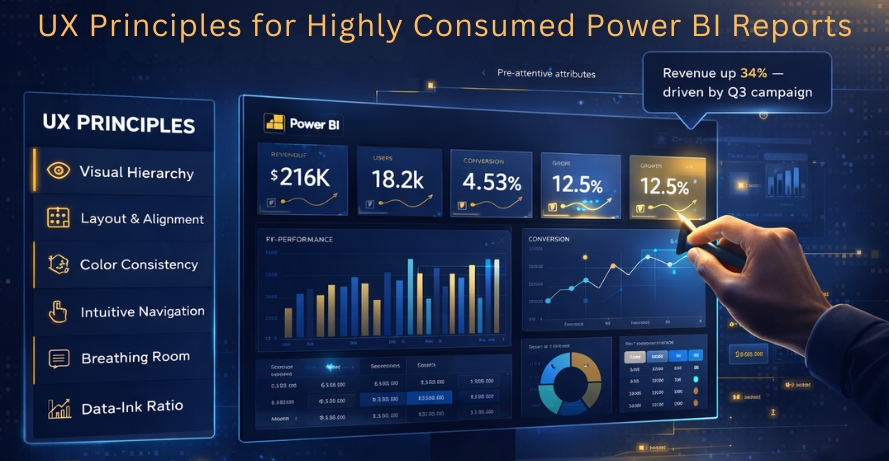
✔ Establish Visual Hierarchy
Place the most important KPIs at the top and organize content in a logical flow from summary to detail.
✔ Simplify Navigation
Keep the report structure easy to follow. Avoid unnecessary pages and complex interactions.
✔ Maintain Consistency
Use consistent colors, fonts, and layouts across all pages to reduce cognitive effort.
✔ Use Familiar Visuals
Choose visuals that users can easily understand:
- Bar charts for comparisons
- Line charts for trends
- KPI cards for key metrics
These follow proven data visualization best practices.
✔ Reduce Cognitive Load
Avoid overloading users with too much information. Focus only on what supports decision-making.
What Makes a Report “Highly Consumed”?
A highly consumed Power BI report is one that users
- Open regularly
- Understand within seconds
- Trust for decision-making
- Return frequently
This happens when the report delivers clear, actionable insights without confusion.
Business Impact of Good UX
Applying strong UX principles leads to real business outcomes:
- Faster and more confident decision-making
- Higher adoption of reports across teams
- Improved data understanding
- Reduced training effort
- Greater trust in analytics
In simple terms, good UX transforms reports into powerful decision-making tools.
Balancing Simplicity and Functionality

A common misconception is that simpler reports mean less information.
In reality, great Power BI report design focuses on:
- Showing key insights clearly
- Allowing deeper exploration when needed
The goal is to keep the interface simple while still supporting advanced analysis.
Conclusion
A Power BI report is only successful if people actually use it.
By applying UX principles for Power BI reports, you can turn complex data into clear, meaningful insights that users can understand instantly. It’s not about adding more visuals; it’s about making every element purposeful.
When you focus on usability and clarity, your reports become easier to navigate, faster to interpret, and far more impactful for decision-making.
Because in the end, great UX doesn’t just improve reports; it improves how people make decisions.
FAQs
Good UX helps users understand data quickly, navigate reports easily, and make faster, more confident decisions.
Common mistakes include cluttered layouts, too many visuals, excessive filters, inconsistent design, and hiding important KPIs.
Key principles include designing for users, creating a clear visual hierarchy, simplifying navigation, maintaining consistency, using familiar visuals, and reducing cognitive load.
A highly consumed report is easy to understand, provides clear insights, supports decision-making, and encourages users to return regularly.
Good UX increases report adoption, improves data understanding, builds trust in analytics, reduces training effort, and supports better decision-making.