
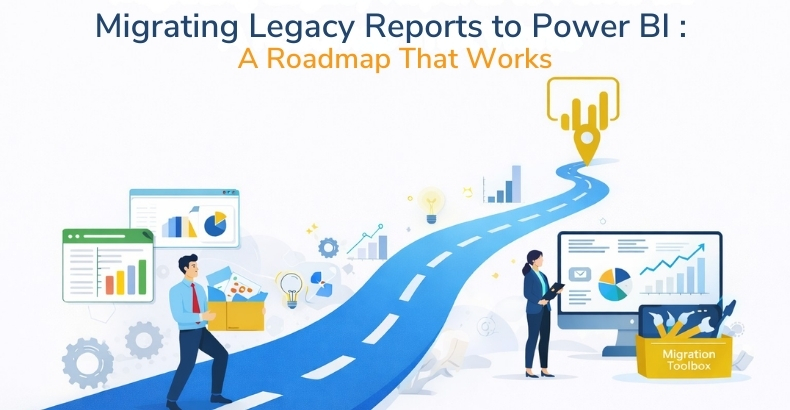
Many organizations still depend on legacy reports created years ago. These reports may have worked well once, but today they often feel slow, static, and hard to manage.
- Manual updates Reports require repetitive manual data entry and adjustments.
- Multiple report versions Different teams work with inconsistent or outdated files.
- Limited insights Data lacks depth, making it hard to uncover meaningful trends.
- Time-consuming maintenance Reports require ongoing effort to update and manage.
- Lack of real-time visibility Decisions are based on outdated information.
- Difficulty scaling reporting across teams Expanding reports to multiple departments becomes complex and inefficient.
Teams often spend more time preparing reports than using them to make decisions. As data volumes and business expectations grow, legacy reporting systems struggle to keep pace.
Migration is not just about shifting reports to a new tool; it’s about improving how the business uses data.
Why Companies Migrate
Modern businesses need information quickly and clearly. Leaders expect insights in minutes, not days, and they require dashboards that adapt to changing business questions.
Power BI supports:
- Real-time data updates Information refreshes automatically, ensuring decisions are based on the latest data.
- Interactive dashboards Users can filter, drill down, and explore data dynamically for deeper insights.
- Easy data integration across multiple sources: Data from various systems can be combined into a unified view.
- Self-service analytics for business users Non-technical users can create reports and analyze data independently.
- Advanced visualization and data exploration Complex data is presented through clear charts and visual tools for better understanding.
- Integration with AI and predictive analytics Advanced technologies help forecast trends and support smarter, data-driven decisions.
Legacy reporting tools usually cannot support these modern expectations or require heavy manual effort to do so.
A Simple Way to See the Difference
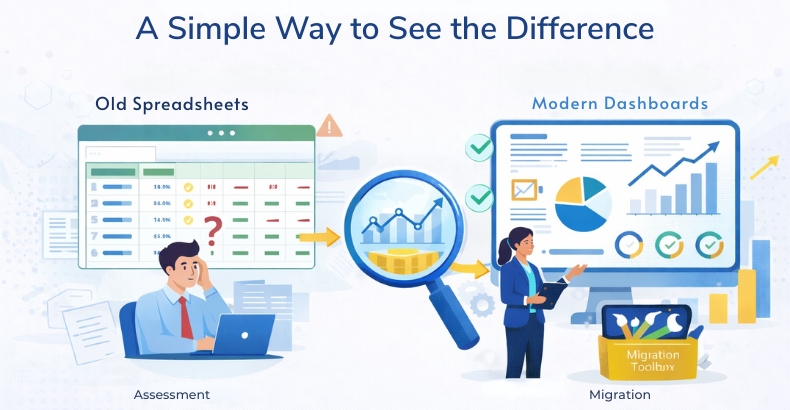
Migration helps organizations move from static views to live insights that support faster and more informed decision-making.
A Practical Migration Roadmap
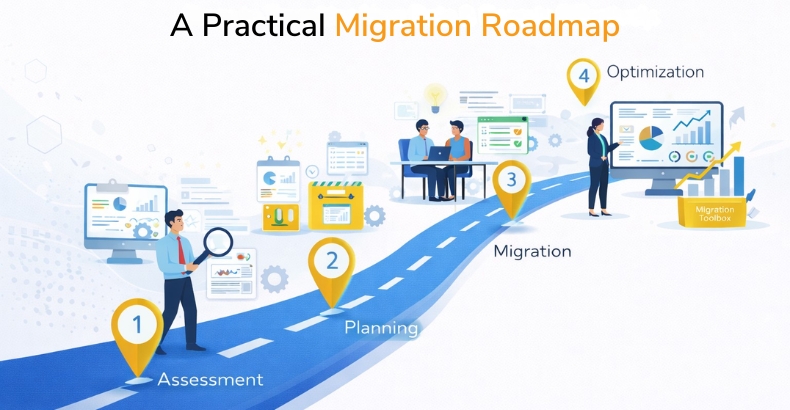
1) Review Existing Reports
Start by listing all existing reports and dashboards. Identify which reports are actively used, which are duplicated, and which no longer provide business value.
Many organizations discover that a large portion of legacy reports can be retired, reducing complexity and maintenance effort.
2) Define Clear Goals
Before rebuilding reports, define their business purpose. Ask simple but critical questions:
- Who will use this report?
- What decisions will it support?
- What metrics and insights matter most?
- How frequently should the data be updated?
Clear goals prevent unnecessary development and help prioritize high-impact reporting.
3) Clean and Prepare Data
Legacy reporting environments often contain inconsistent or duplicated data sources. Migration is an opportunity to improve data quality and standardize data models.
Cleaning and preparing data includes:
- Removing duplicate or outdated datasets
- Standardizing business definitions and KPIs
- Improving data governance and documentation
- Building reusable data models
Clean data improves dashboard accuracy and builds trust among users.
4) Rebuild, Don’t Just Copy
Migration should not simply replicate old reports. Power BI offers advanced capabilities such as interactive filters, drill-down analysis, dynamic visuals, and automated refresh.
Rebuilding reports allows organizations to:
- Improve user experience
- Simplify report layouts
- Provide deeper analytical insights
- Reduce report maintenance complexity
This step transforms reporting from static outputs into interactive decision-support tools.
5) Train Users
Even the most advanced dashboards provide limited value if users do not understand how to use them effectively.
Providing basic user training helps teams:
- Navigate dashboards confidently
- Explore data independently
- Reduce reliance on IT or reporting teams
- Increase overall adoption and business value
Organizations that invest in user training typically achieve a faster return on investment from Power BI implementations.
Business Benefits
When migration is executed with a structured approach:
- Reporting becomes faster and more automated.
- Manual data preparation significantly reduces
- Data accuracy and trust improve
- Decision-making becomes quicker and more data-driven.
- Reporting scales easily across departments
- Teams spend more time analyzing insights rather than building reports.
Instead of managing reports, teams focus on business outcomes and strategic initiatives.
Long-Term Value of Modern Reporting
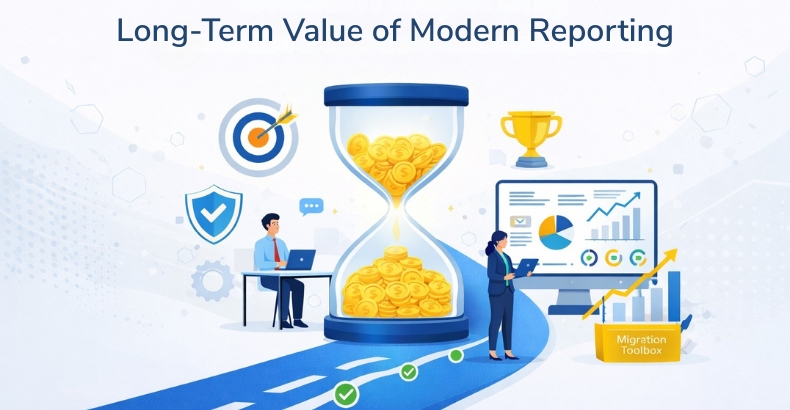
Modern reporting platforms like Power BI also support long-term digital transformation initiatives. Organizations gain the ability to integrate analytics into everyday workflows, support cross-functional collaboration, and adapt quickly to evolving business needs.
By standardizing reporting on a single platform, businesses reduce technical complexity while improving visibility across operations, finance, sales, and customer analytics.
Conclusion
Migrating legacy reports to Power BI is a business improvement, not just a technical upgrade.
With the right roadmap, organizations can modernize reporting, improve data quality, save time, and support faster decision-making.
The goal is simple:
Don’t recreate old reports; build better, smarter, and more interactive ones that deliver real business value.
FAQs
Organizations migrate to Power BI to replace slow, manual reporting with real-time, interactive dashboards that support faster and more informed decision-making.
Power BI provides real-time data updates, interactive dashboards, self-service analytics, easy data integration, and advanced visualizations to improve reporting.
A successful migration includes reviewing existing reports, defining business goals, preparing data, rebuilding reports, and training users.
Rebuilding reports allows organizations to improve user experience, simplify layouts, add interactive features, and deliver deeper business insights.
Power BI automates reporting, improves data accuracy, reduces manual effort, supports scalable reporting, and helps teams focus on data-driven decision-making.