
How to Build GDPR- and HIPAA-Compliant Dashboards
Data privacy isn’t just a legal concern. It’s a design requirement. As organizations become increasingly data-driven, dashboard creators must prioritize compliance with regulations like GDPR and HIPAA. Whether you’re handling customer data in Europe or patient data in the U.S., one thing is clear: compliance isn’t optional.
So, how do you build dashboards that deliver insights without risking costly penalties?
Here’s a practical guide.
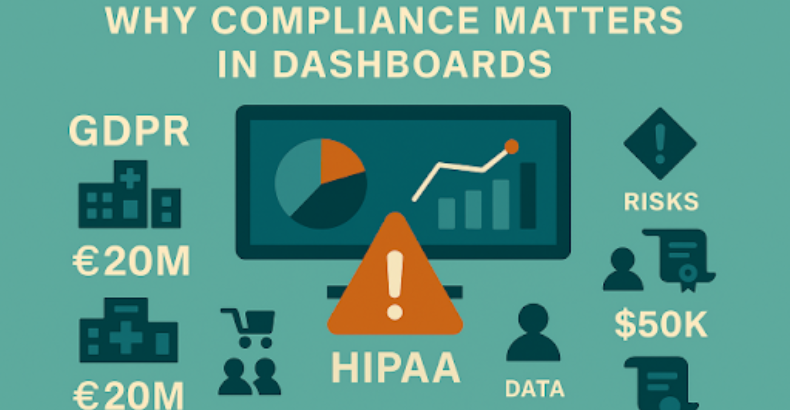
Why Compliance Matters in Dashboards
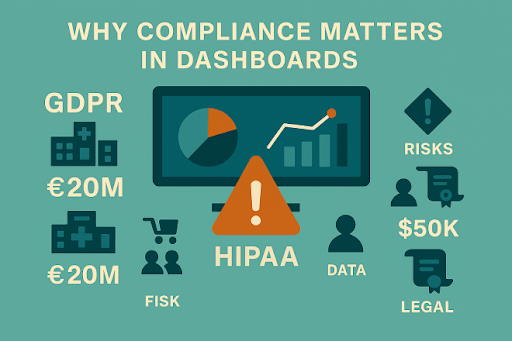
- Dashboards centralize sensitive information.
- Visualizing personal or health data can inadvertently expose protected details.
- Non-compliance risks massive fines:
- GDPR: Up to €20 million or 4% of global turnover.
- HIPAA: Fines up to $1.5 million per violation category per year.
From hospitals to retailers, dashboards must be privacy-aware by design.
Understand the Regulations
GDPR (General Data Protection Regulation)
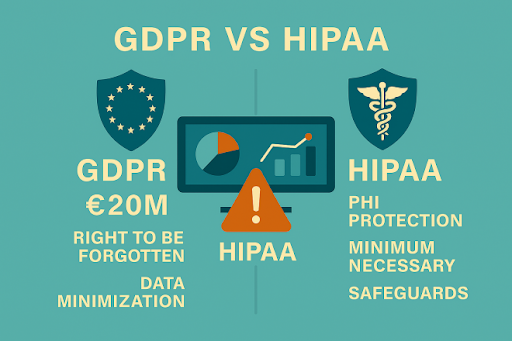
Applies to personal data of EU citizens. Core principles:
- Data minimization
- Purpose limitation
- Transparency
- Right to be forgotten
- Lawful processing (consent, contract, legal obligation, etc.)
HIPAA (Health Insurance Portability and Accountability Act)
Applies to Protected Health Information (PHI) in the U.S. Key requirements:
- Ensure confidentiality, integrity, and availability of PHI.
- Limit access to minimum necessary data.
- Apply administrative, physical, and technical safeguards.
Step-by-Step: Building Compliant Dashboards
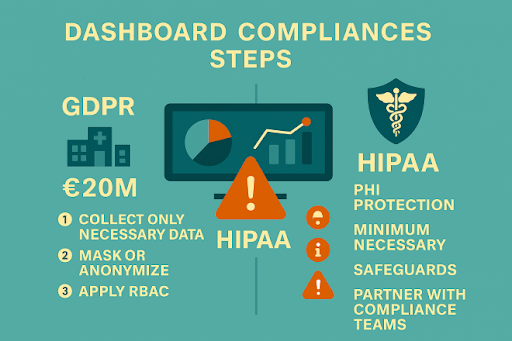
1. Collect and Store Only Necessary Data
- Avoid importing or visualizing sensitive personal data unless absolutely required.
- Use de-identified or aggregated data wherever possible.
2. Apply Data Masking or Anonymization
- Mask names, IDs, addresses, or specific health data when individual identification isn’t needed.
- Use aggregation (e.g., showing counts or averages) instead of exposing raw records.
3. Implement Role-Based Access Controls (RBAC)
- Control who can view sensitive dashboards using platform permissions (e.g., Power BI Row-Level Security).
- Ensure only authorized roles (e.g., compliance officers, clinical staff) can view PHI or PII.
4. Audit and Log Data Access
- Enable usage monitoring to track who views or exports sensitive dashboards.
- Retain logs for audits and compliance reporting.
5. Label Sensitive Content Clearly
- Apply sensitivity labels (e.g., “Confidential GDPR” or “Protected Health Data”) on reports and dashboards.
- Use visual cues (icons, headers) to remind users of data sensitivity.
6. Use Secure Sharing Channels
- Avoid public links or unsecured exports.
- Share dashboards only through secure, authenticated channels like Microsoft Teams, VPN, or secure email.
7. Incorporate Privacy Notices and Disclaimers
- Inform users how data is being processed within the dashboard environment.
- Include links to your organization’s data privacy policies.
8. Partner with Compliance Teams
- Engage your data protection officer (DPO) or compliance teams early in dashboard design.
- Schedule regular reviews for ongoing compliance.
Example: GDPR-Compliant Sales Dashboard
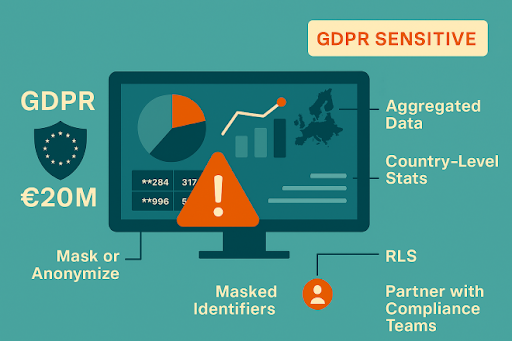
- No customer names or emails displayed.
- Data aggregated at the country level (no individual tracking).
- Sensitive fields masked or removed entirely.
- Row-Level Security restricts drilldowns to specific managers.
- Dashboard labeled “GDPR Sensitive Do Not Share Publicly.”
Result? Actionable insights without exposing PII.
Key Features in Modern BI Tools
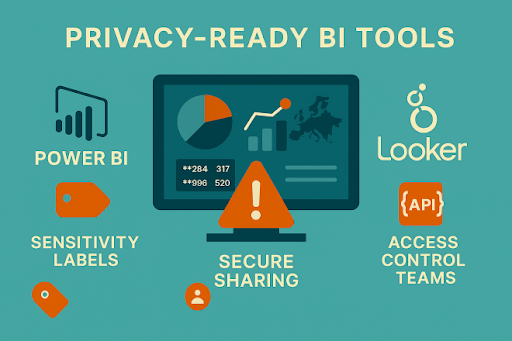
- Power BI: Sensitivity Labels, RLS, Microsoft Purview integration, Azure AD authentication.
- Tableau: Permissions management, anonymized extracts, secure sharing.
- Looker: Data models enforcing access control, API-based governance.
Choose tools with enterprise-grade security and compliance features.
Conclusion: Privacy by Design
GDPR and HIPAA compliance shouldn’t be afterthoughts; they should shape your dashboards from the start. By following Privacy by Design principles, you can:
- Protect sensitive data
- Build trust with customers and stakeholders
- Avoid regulatory penalties
- Enable responsible, ethical data use
In today’s landscape, a compliant dashboard is a smart dashboard.
FAQs
GDPR and HIPAA compliance help protect sensitive personal and health data, reduce privacy risks, and ensure dashboards meet regulatory requirements.
Organizations can build compliant dashboards by minimizing sensitive data, applying data masking, implementing role-based access controls, and using secure sharing methods.
Data masking helps protect sensitive information by hiding personal or health data when individual identification is not required.
Role-based access control (RBAC) limits dashboard access to authorized users, ensuring sensitive information is only available to users with the appropriate permissions.
Privacy-focused dashboards help protect sensitive data, support regulatory compliance, build user trust, and encourage responsible data management.